Page Layer
Rich functionality, custom scripts, and business logic
Page Definition
{
    "title": "Build Table",
    "model": "TableColumns",
    "viewMode": "form",
    "icon": "fa-plus",
    "css": "build_table.css",
    "orderBy": "TableColumnDisplayOrder",
    "fields": [ARRAY_OF_FIELDS],
    "children": [ARRAY_OF_PAGES],
}
name
This is implied by the name of the file such as AdministerPerson.json. Don't include this in the definition.
This name is the programmatic name and it's used by things such as Menu.
title
Required String. User friendly page title that will be displayed on menus and at the top of each single page app.
model
Optional String. The unique identifier of the model layer matching this page. If not specified, this defaults to the name of the page. This is required on child sections.
viewMode
Optional Enumeration. The default starting display mode. Must be one of the following:
form(default)table
icon
Optional name of icon to be included as identifier for this page on menus. Can be either a Glyphicon or from Font Awesome.
Examples:
- fa-bookmark
- glyphicon-asterisk
buttons
FUTURE Array of buttons
children
Optional Array of Pages.
Fields
{
    "name": "SampleField",
    "label": "Sample Field",
    "showInFormView": true,
    "showInTableView": true,
    "showInNavigation": true,
    "fieldType": "checkbox",
    "select": {},
    "disabled": true,
    "searchable": true,
    "help": "This is a sample help text.",
    "placeholder": "Placeholder text",
    "filter": "uppercase",
    "blurFunction": "This is a sample help text.",
    "links": [{
        "page": "TargetPageName",
        "title": "Target Page Name",
        "filter": "TableTableID Equals [TableTableID]",
    }]
}
name
Required name of the field. Used as programmatic identifier of field (can be used as object properties and JavaScript).
Should follow standard naming conventions for variables. Typically, the field should be StepName + TableColumnName.
Required String. Unique identifier for field. This is usually a programmer friendly alpha-numeric string without special characters and spaces.
label
Optional String. User friendly label for the field that will be visible in the column header and prompt. Defaults to TableColumn.label if not specified.
showInFormView
Optional Boolean defaults to true. If viewMode = form, there must be at least one field where showInFormView = true.
See example below: 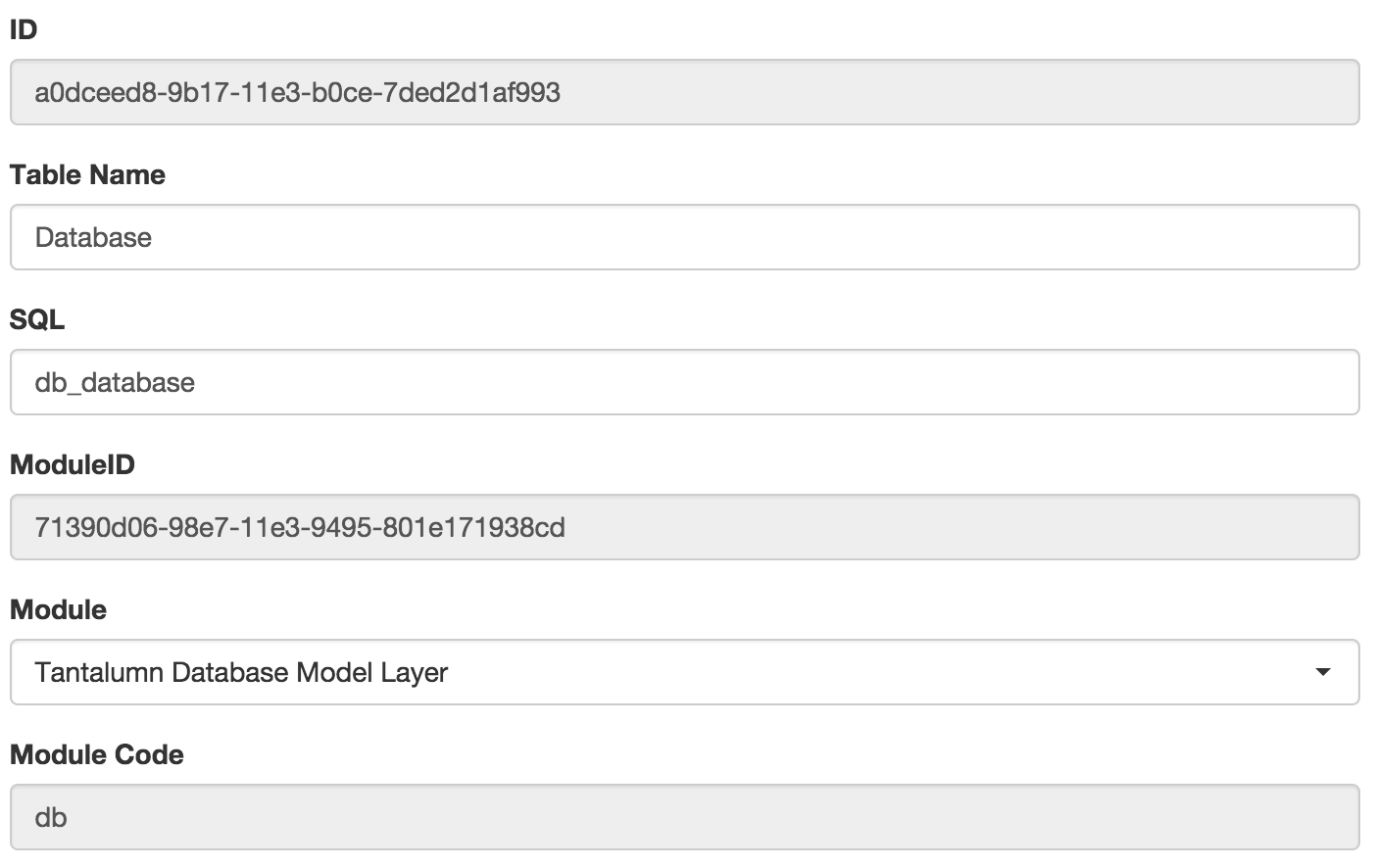
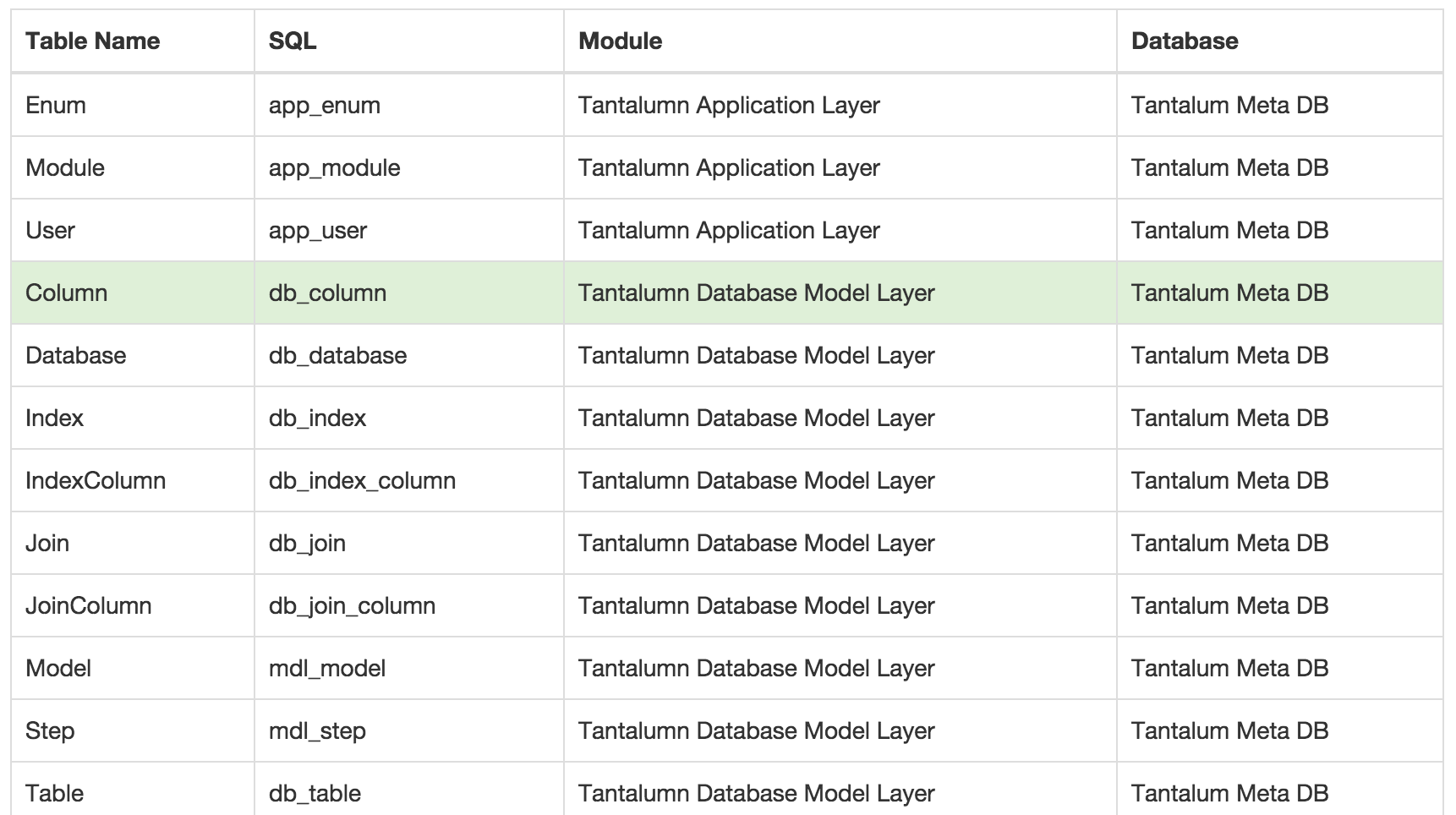
showInTableView
Optional Boolean defaults to true. If viewMode = table, there must be at least one field where showInTableView = true.
showInNavigation
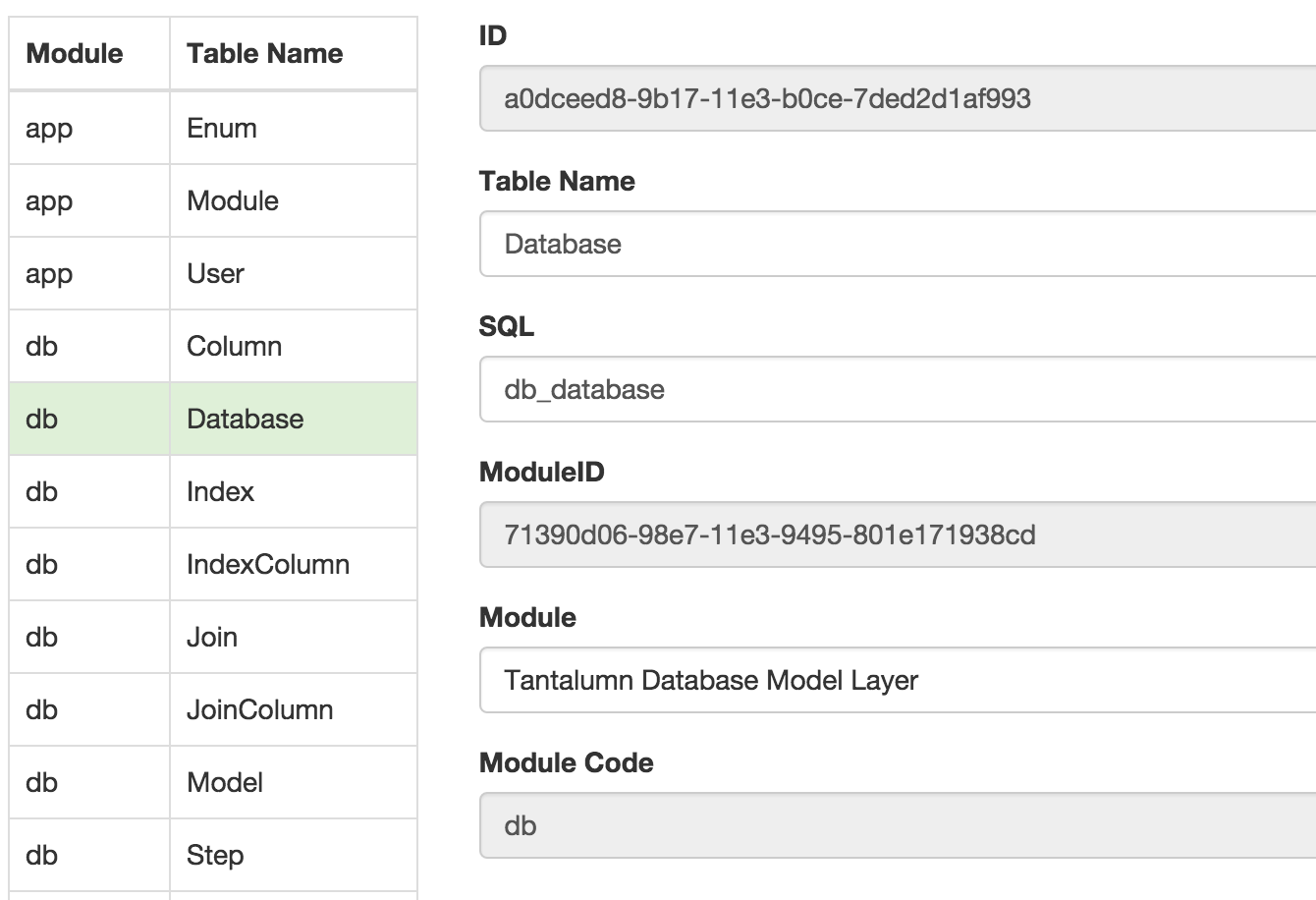
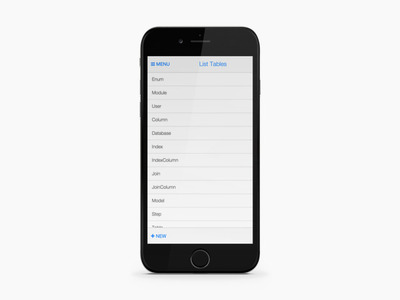
Optional Boolean defaults to false. If true, then the field will show fields on left side of form or in mobile. This is typically
used to help quickly navigate to the right record. See example below, the 2 splitFields on the left.
fieldType
Optional Enumeration. The type of field display. Must be one of the following:
- text (default)
- checkbox
- select
FUTURE:
- number
- radio
- textarea
- date
disabled
Optional Boolean. Enabled by default, disabled=false.
searchable
Optional Boolean defaults to true. If true, the the field is searchable in the search screen.
help
Optional String. Longer help text in HTML for end users.
This feature is coming soon.
fieldDefault
Optional parameter that describes any default values when inserting a new instance into the set.
fieldDefault.type
The type of default.
- constant (default if not specified) - any constant default value such as 1 or HelloWorld
- sourceField - any value from a field in the current instance or in a parent instance, such as TableID
- fxn - any JavaScript function to be executed, such as "function() { return 1 + 1 }"
fieldDefault.value
The constant value, source field name, or function text.
fieldDefault.updateable
When type equals "field", updateable means that the value will keep defaulting everytime the source field changes.
select
Optional Object. Required if fieldType = select. Provides detailed definition for Smart Select boxes.
{
    "model": "ListModules",
    "targetID": "TableModuleID",
    "sourceValue": "ModuleModuleName",
    "otherMappings": [],
    "where": []
}
select.model
Required String. Name of the unique identifier for the source Model to query for this Select. TODO: support models with values already listed.
select.targetID
select.sourceValue
Required String. Name of the field used to display the results of the select option.
TODO: Support more than one field and rich text.
select.otherMappings
Required Array of copy source -> target clauses. The values for source and target should be field names. The source fieldname
must be included in the select.model. The target fieldname must be included in the current view's model.
{
    "source": "ModuleModuleCode",
    "target": "TableModuleCode"
}
select.where
Optional Array of where clauses. This feature is most commonly used when you're chaining select boxes (such as Choose Country, then Choose State) or when you're the select box should be based on the value of a given row.
{
    Not supported yet...
}